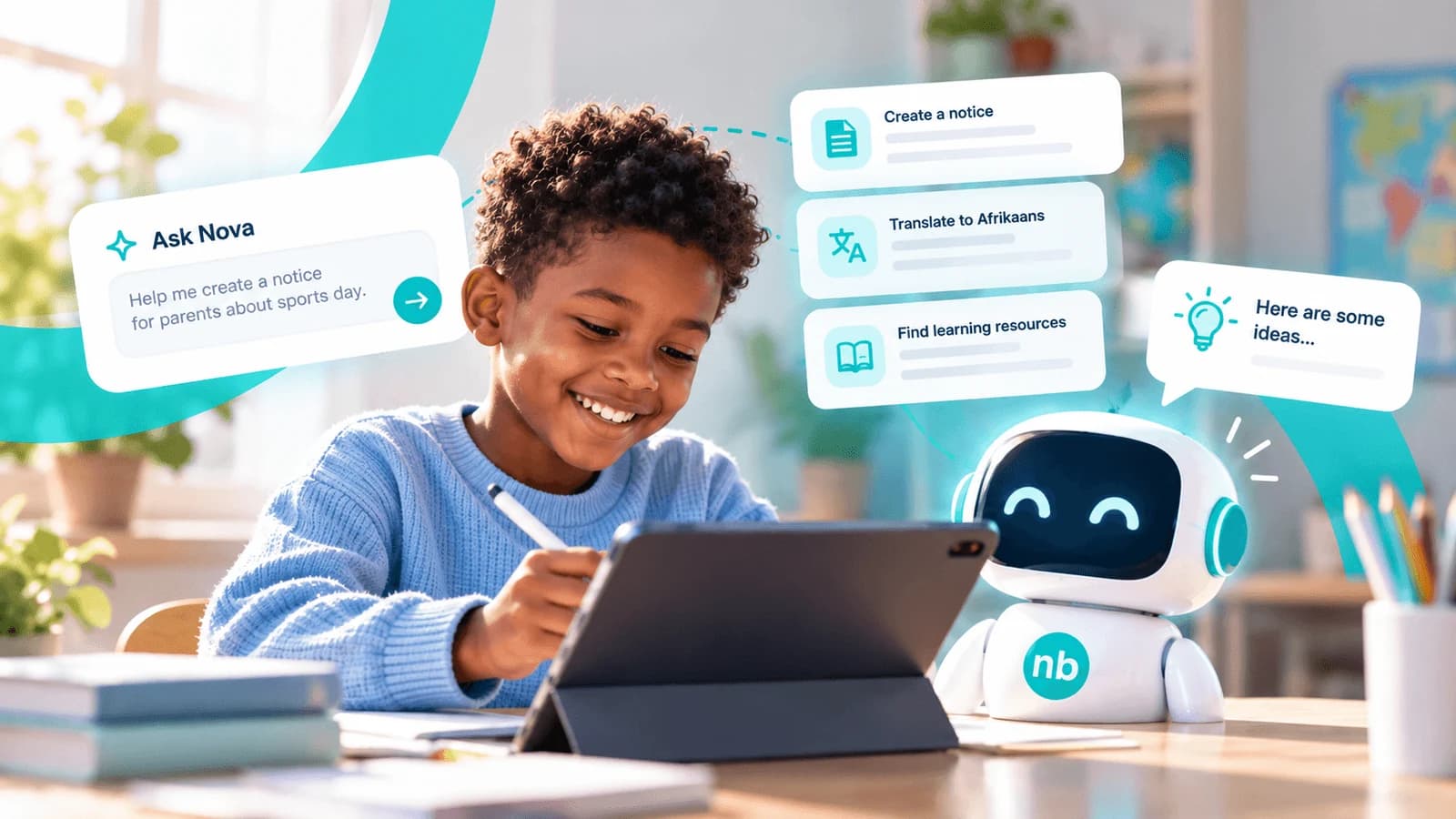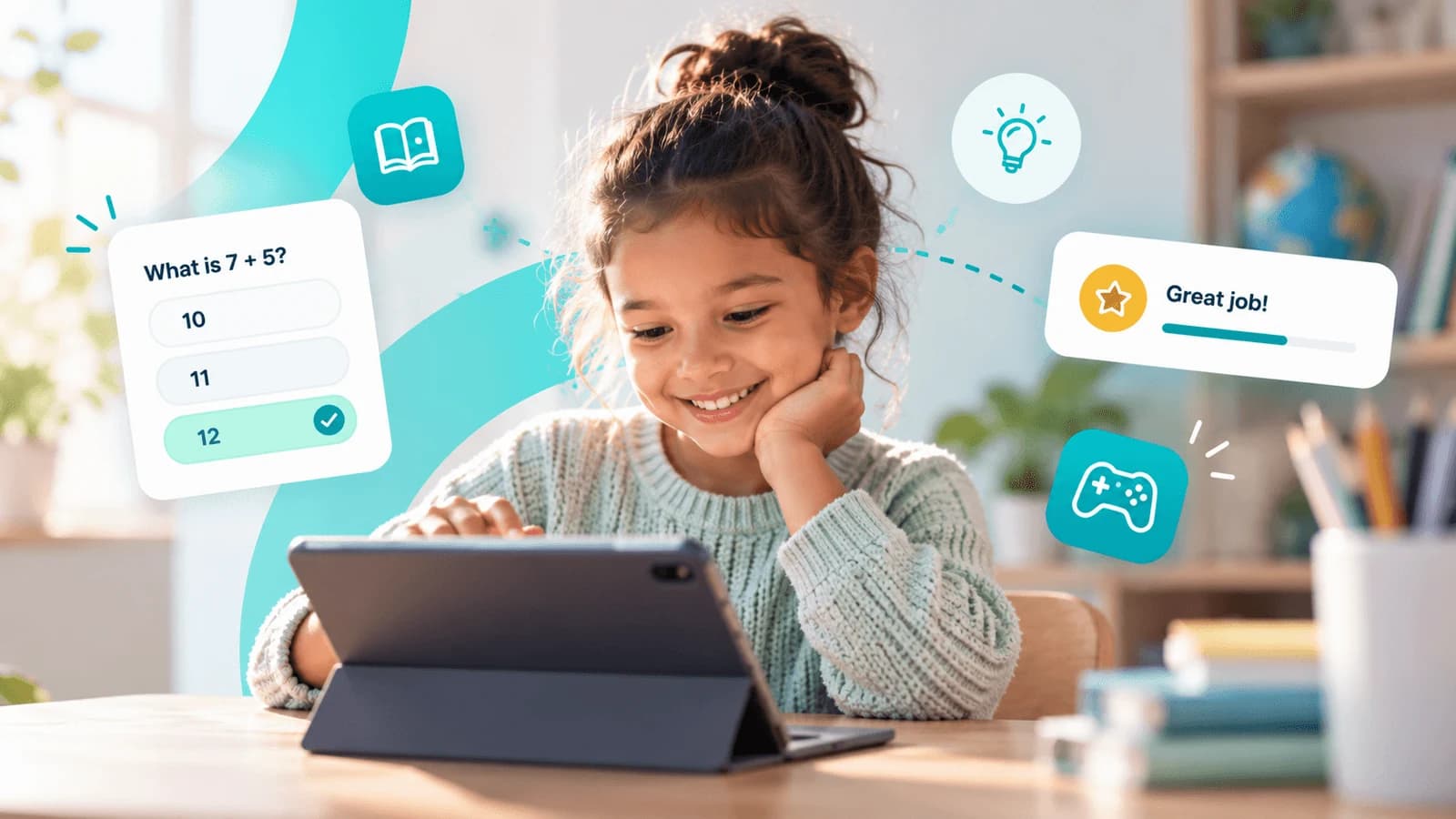
It is homework time. A child rubs out the same answer for the third time, then pushes the page across the table. A parent pulls up a chair and tries to explain it another way. They want to help, but finding an activity that makes the idea click is not always easy.
Some families have books, extra lessons and a device for each child. Others share a phone and work with what the school sends home. We think a child’s chances to practise and explore should not depend so heavily on those differences. Noticeboard’s Learning Center and free educational games give teachers and families a few more places to start.
Another way to try
A teacher notices that a few learners need more time with the day’s lesson. A short activity could help them try again, but preparing it takes time too. The Library currently offers ready-made Grade R and Grade 1 worksheets. Grade 2 worksheets are being rebuilt. Check the latest resource availability and your school plan before choosing an activity.
The teacher can choose material that fits the lesson and the learner’s level, then review the instructions, questions and answers before use. These worksheets are designed for printing; viewing a page on a phone does not make it an interactive activity. That activity might become a little more practice in class or something a parent and child work through together at home. The teacher still decides what will help.
Make room for play
Sometimes the worksheet has had enough attention for one evening. A child might be more willing to try a matching game or explore colours with a parent beside them. Game Zone offers another way into practice, with activities such as Memory Match, Math, Colour Studio, Robo Quest and Butterfly Trails.
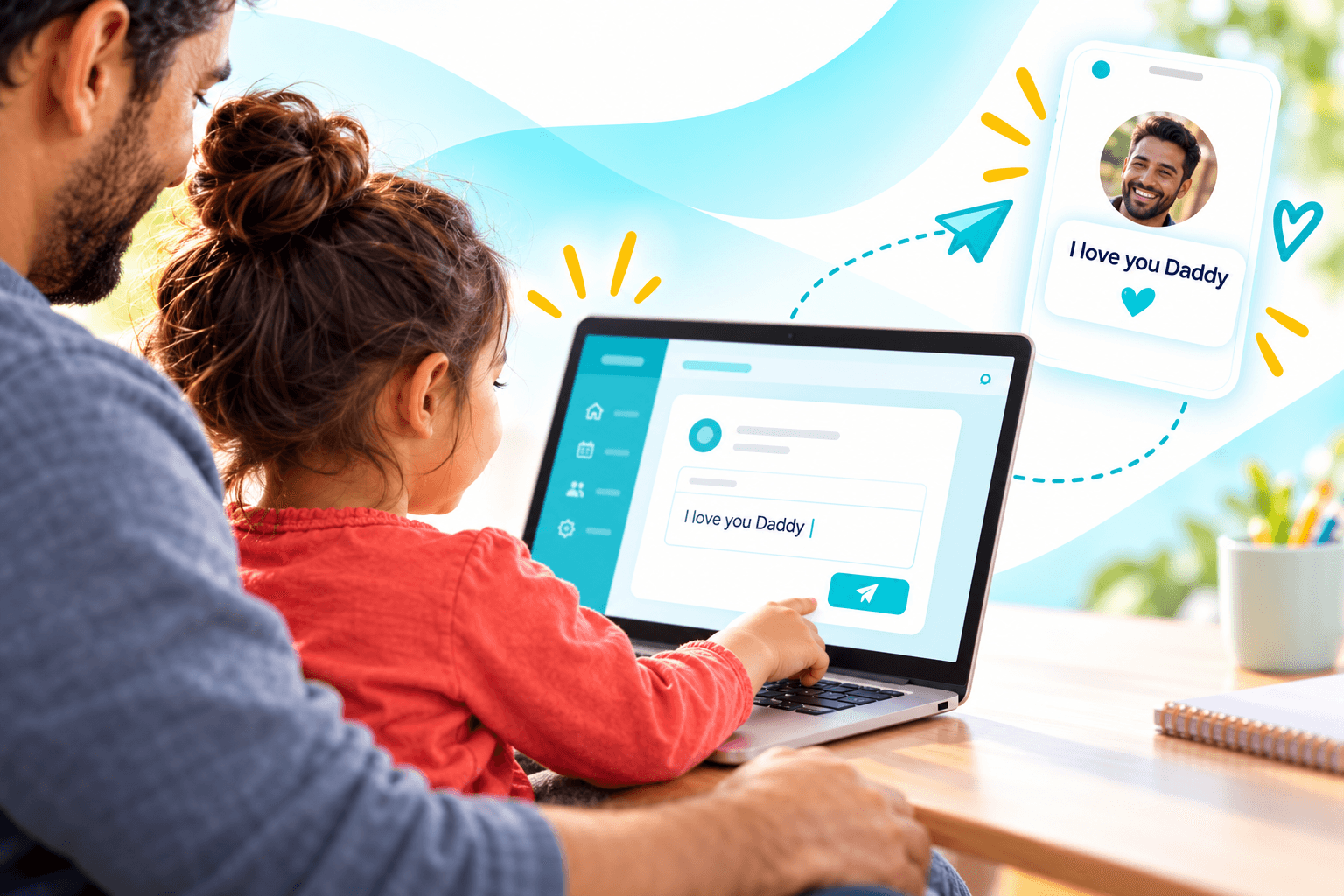
Parents and caregivers can explore the free educational games on the website and choose an appropriate activity to guide with a child. Children under 13 should not access the service independently; an adult should operate it in line with our Terms. A parent can ask which colours a child chose, count along with them or listen to how they worked something out. A few minutes together can make room for curiosity, without turning every moment into a test.
Start with what families have
For a family sharing one phone, an activity needs to fit around everyone else who uses it. Data costs matter too. Schools can start by finding out what families can access, then choose activities and shared opportunities that work in those circumstances.
The website games have no access fee, but opening and playing them can still use data. Ready-made Library worksheets and Nova AI worksheet generation are separate offerings. School tools depend on the school’s subscription; check the current plan and available grades for the tool you want to use. A school can begin with one suitable activity and explain how families can use it. The goal is to make that next chance to learn a little easier to find.